
Every legacy CRM retirement starts with a list of what the old system does. Someone in the business wrote it, someone in IT added to it, and everyone agrees it's roughly right.
On a recent Pivotal CRM retirement, the list was wrong in both directions. It named processes that hadn't run in years, and it missed processes that ran every few minutes and fed the reporting the whole sales operation relied on. The code told a different story from the documentation, and the code was right.
These are the lessons from reading that code, written so they apply to any old CRM you're trying to switch off.
Start with what runs
The scheduler knew more than anyone's list.
Pivotal keeps its automation in agents: flowcharts saved inside the database. This estate had nearly ten thousand of them. Nobody could say which ones mattered, and the lists people gave us disagreed with each other.
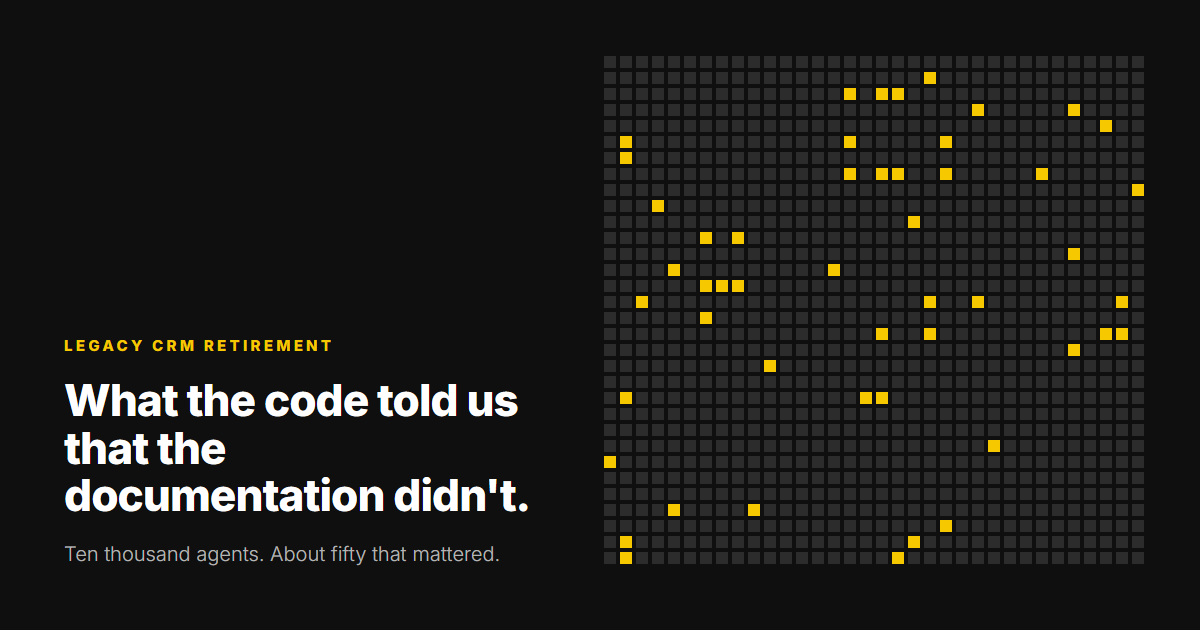
So we stopped asking people and asked the system. The scheduler's own export showed that only a fraction of its jobs were still active. Following those jobs through the agents they call gave us the real scope: about fifty agents that run unattended and write data something else depends on.
That gave us one rule for the whole project. Rebuild only the logic that runs on its own and writes data someone else reads. Everything a user triggers by hand retires with the platform, because the new system will do that job differently anyway.
Read the black box
If nobody can read the logic, build something that can.
The agents were stored in a format only the platform itself could open, which is common in older CRMs. Clicking through them one screen at a time doesn't scale to ten thousand, and it doesn't leave a record anyone can check.
We built our own tooling to read the agents straight out of the database and turn each one into a flowchart and a written specification. Every statement in a specification points back to where it came from, and is marked as confirmed, inferred or unknown. Nothing marked inferred or unknown goes into the build until someone has proved it. A senior specialist checks every line, because a specification that looks finished but is wrong is worse than none.
Match the quirks
The new code has to be wrong in exactly the same ways.
Reporting and downstream systems had been reading the old CRM's tables for years. If the new services wrote the same data in a slightly different shape, those systems would break, or worse, carry on quietly with different numbers. So "correct" meant "identical to what the old platform did", including its oddities.
Rounding
One pricing rule wouldn't match until we found that the platform turned each number into text, to eight decimal places, and then cut it short. When the new code did the same, tens of thousands of contract prices matched to the penny.
What "first" means
Where the old logic picked "the first match", "first" turned out to mean first by a hidden internal field, not by record ID. Get that wrong and the right data gets attached to the wrong record.
Everything that happens on save
When the platform saved a record it also allocated IDs, ran calculated fields and stamped audit columns. None of that was in the agents themselves. The new services do each step explicitly, so the rows they write look exactly like the old ones.
Prove it
Replay production, and accept zero unexplained differences.
Unit tests show the code does what the specification says. They can't show the specification matches what the old system really did. For that, we replayed real production traffic through the new code and compared every column it wrote with what the old platform had written.
Every difference went into one of two buckets: a known cause, written down with the reason, or unexplained. The pass mark was zero unexplained. The lead flow went through 7,100 real messages with none.
Two rules kept this safe. The comparisons used IDs, dates and checksums instead of the records themselves, so no personal data was copied anywhere. And production was only ever read through a login that can't do anything except read.
Cut over
One flow at a time, and never both writing.
There was no big weekend. Each flow moved on its own: stop the old job, start the new service, and never let both write the same data. Each switch began with a pilot of a handful of messages, then larger rounds, then no limit.
Going back was always quick: change one setting and turn the old job back on. Where it mattered, the new services kept writing the old staging tables in the old shape, so the old agents could take over again without anyone rebuilding anything. The first flow went live 18 days after the work started, and the rest followed over the next three weeks. The case study has the full picture.
What you find on the way
Fix the cause, and retire the patch.
Old CRMs collect data-fix jobs: scheduled tasks that tidy up after a problem nobody could find. Writing the specifications showed us those causes, so we fixed them in the new code and left the data-fix jobs behind. The same work found that one kind of update had stopped completely months earlier, without anyone noticing.
Not every surprise was in the old code. After one flow went live, a backlog started building. Two missing indexes on a table of tens of millions of rows had turned a lookup into a wait of more than ten seconds. With the indexes added, it took under five milliseconds, throughput went from about ten rows a minute to about 1,500, and the backlog cleared the same day.
Which of your old system's jobs actually run on their own, and what reads the data they write?
If nobody can answer that from evidence, that's where the work starts.
How we run a CRM migration